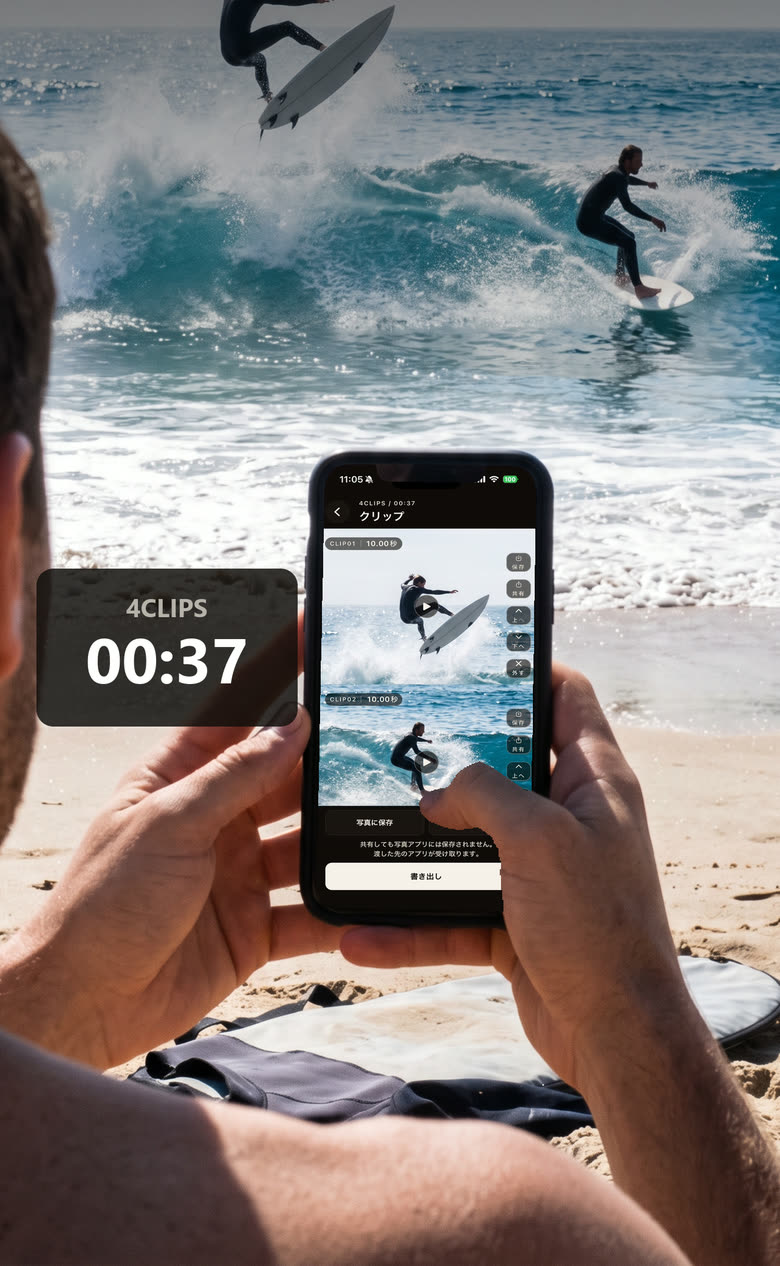
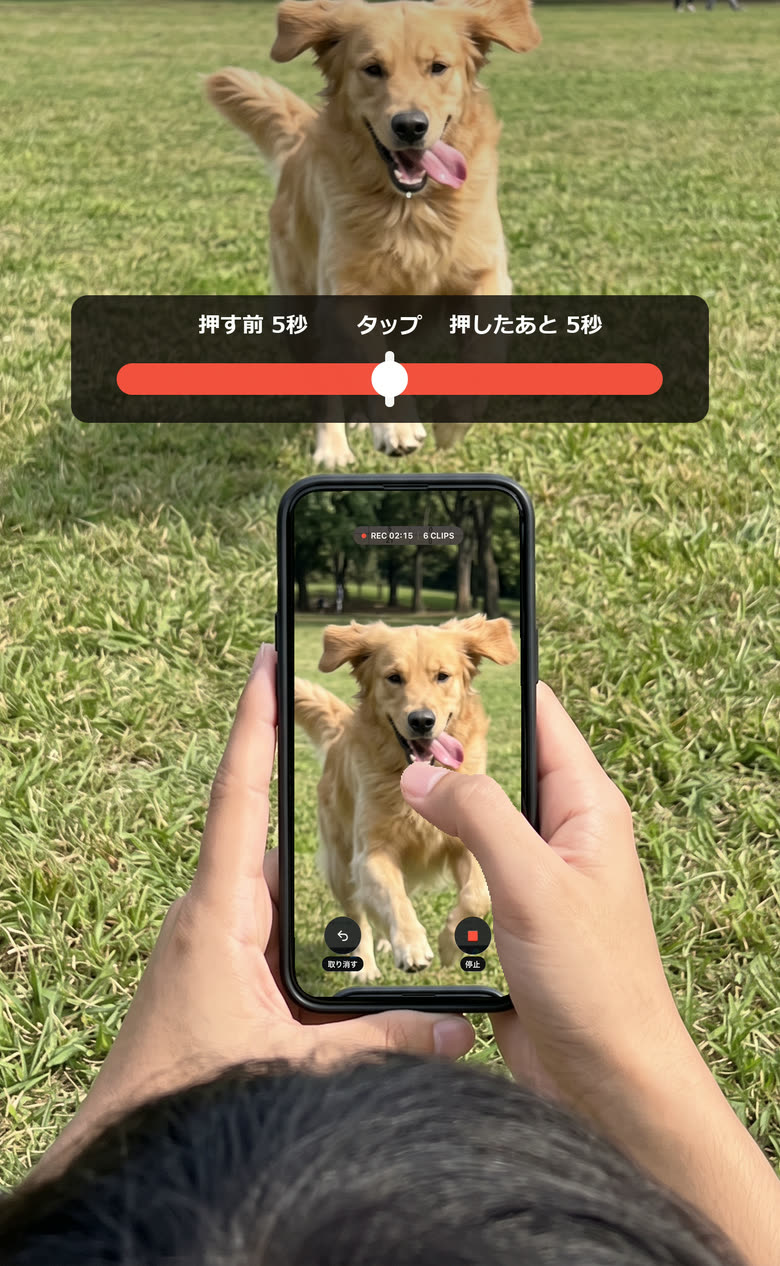
Just tap the screen while you film.
Tapclip cuts out what happened around your tap, so you end up with a reel of the good parts and none of the boring ones.
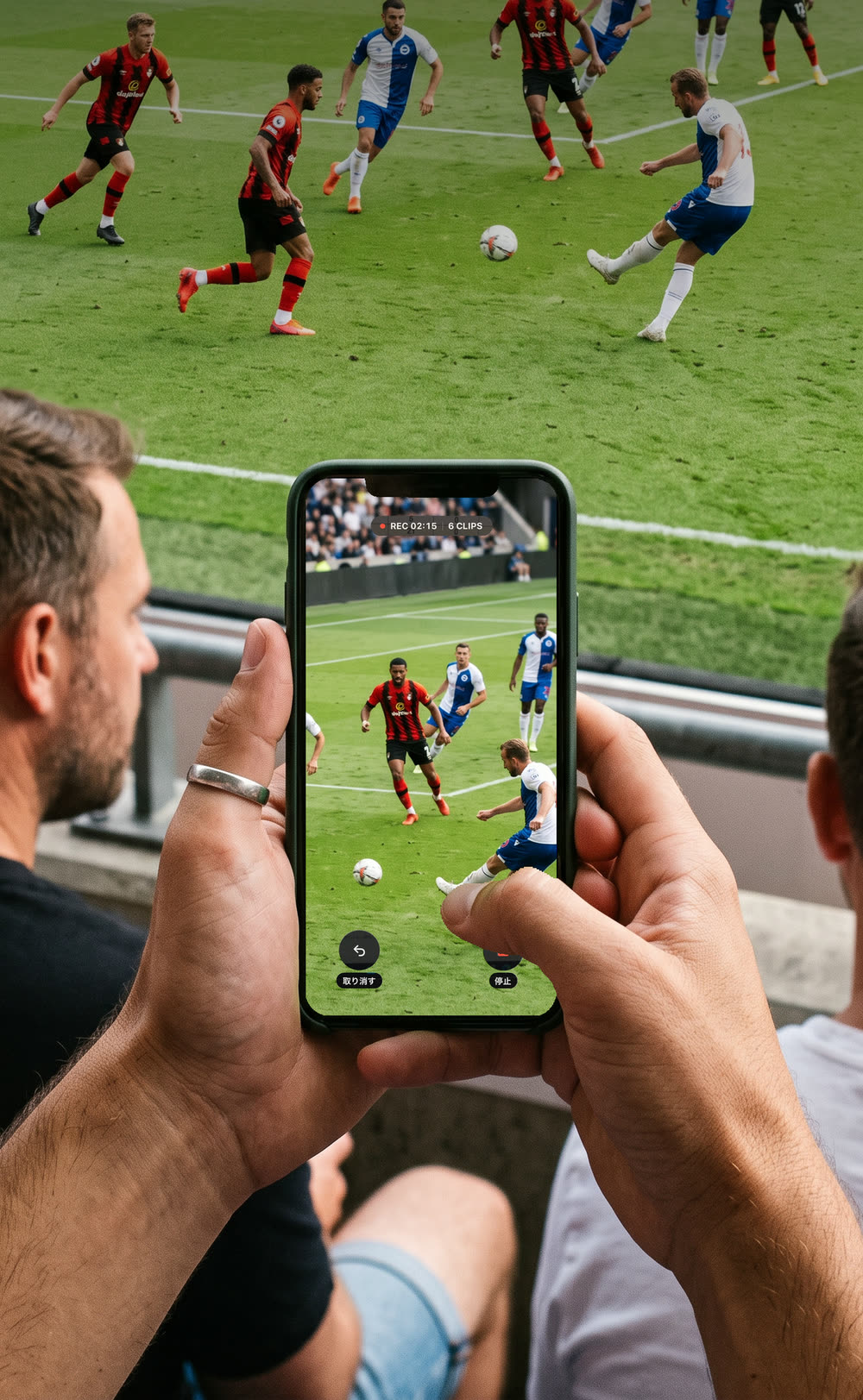
You filmed the whole game, and now finding the part you wanted is the hard bit.
Hunting through long footage for the good parts is why so many videos sit in the camera roll and never get watched again. Tapclip takes that job away.
 27:35
18:47
41:12
52:09
36:22
22:53
1:24:07
12:40
45:31
31:47
1:12:33
24:18
48:05
15:29
1:03:52
27:35
18:47
41:12
52:09
36:22
22:53
1:24:07
12:40
45:31
31:47
1:12:33
24:18
48:05
15:29
1:03:52
Long footage becomes a short reel of nothing but the good parts.
- Film
- Sit down and watch the whole thing back
- Look for the good parts
- Watch just those
- Look for them all over again next time
- Stop watching. It piles up in the camera roll.
- Film
- Tap when something good happens
- A reel with none of the boring parts
The searching, and the long videos piling up, both go away.
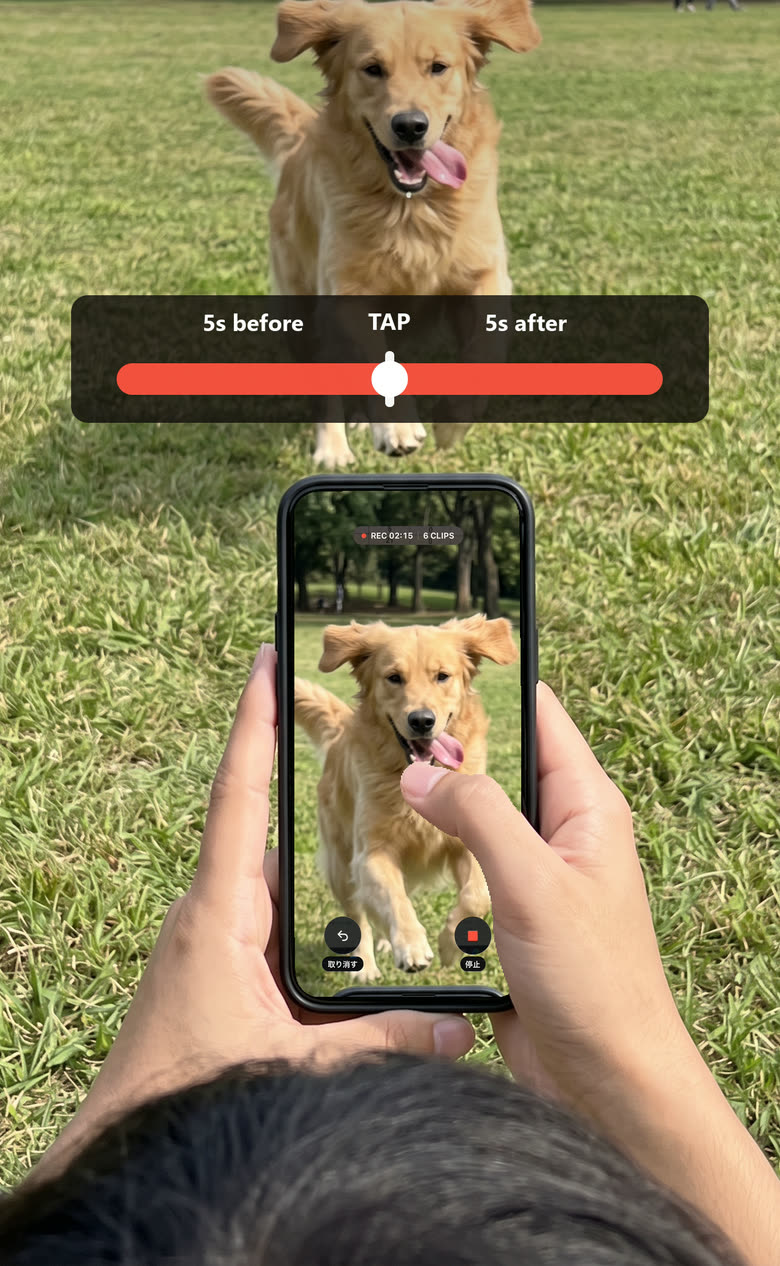
Tap the screen while you film, when something good happens.
Tapclip keeps what happened either side of your tap, so a reel of just the good parts comes out of it.
Afterwards you can still move the start and the end of each one.
When do you film?






The longer the video, the more of a chore it is to go back through. That is where Tapclip earns its place.
Save the finished reel as it is.
Save each clip on its own, or all of them together as one video. Drop the ones you did not mean to make, and move the start and end of the ones you keep.